Pillar

Understand

Understand is where evidence becomes shared meaning. Read a report, compare what different assessors saw, run calibration practice, look across a cohort. Understand stops at "what is true" — recommending what to do next belongs to Grow; recording the policy that governed the reading belongs to Govern.

The Understand overview — reports, capability profiles, calibration, integration session, analytics

The Understand overview — reports, capability profiles, calibration, integration session, analytics
The Understand pillar overview gathers the reading surfaces — one-person reports, cross-instrument profiles, cohort analytics, and calibration.

What this pillar is for

The work in Understand is moving from raw evidence to a defensible reading — what the evidence supports, what it doesn't, and where the confidence is thin. That is a different cognitive task from running the instrument, and the platform treats it as different work. Reports are read here, not produced here; ratings are calibrated here, not first set here.

Most heavy ratings should reach Understand through more than one route. A single interview is evidence; a single 360 is evidence; the rating the practitioner defends is the triangulation across both. The integration session is where that triangulation happens — multiple instruments side-by-side for one person, multiple assessors in conversation, dissent surfaced and resolved before sign-off. Understand makes the integration session a first-class surface, not a meeting that happens in someone's diary.

Aggregate views live here too, because making sense of many measurements is the same cognitive work as making sense of one. The analytics surface, the team capability heatmap, and the longitudinal cohort view all sit in Understand because they all answer the same question: what does the evidence actually say.

What sits here

Reports

Read the finished assessment, examine the evidence, prepare it for sign-off.

A report is the artefact a participant will see. The platform produces it strength-first — what the evidence shows the participant can do, then where the evidence is thinner and what the next level would look like. Every rating is linked to specific quotes, transcript moments, or simulation actions. There are no unmoored opinions in a Capable report.

Reports come in three variants from one source — the practitioner working view (with notes), the candidate view (without internal notes), and the signed-off view (locked at the moment of sign-off, hash-chained in the audit log). Comparing across the three is a one-click action; the practitioner never has to maintain a parallel document.

Reports — Read the finished assessment, examine the evidence, prepare it for sign-off.
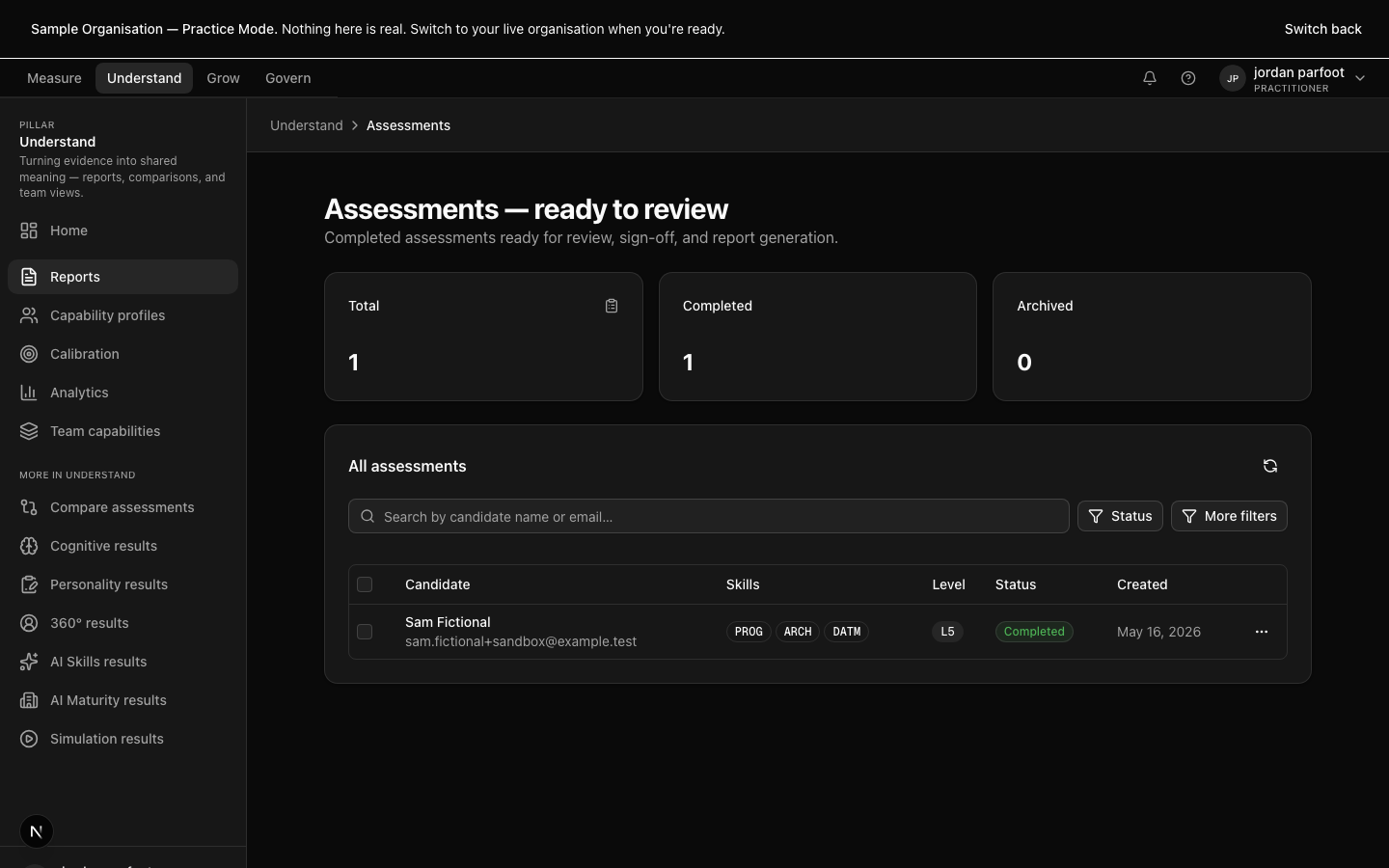
Reports — Read the finished assessment, examine the evidence, prepare it for sign-off.
Capability profiles

Cross-instrument profile per participant.

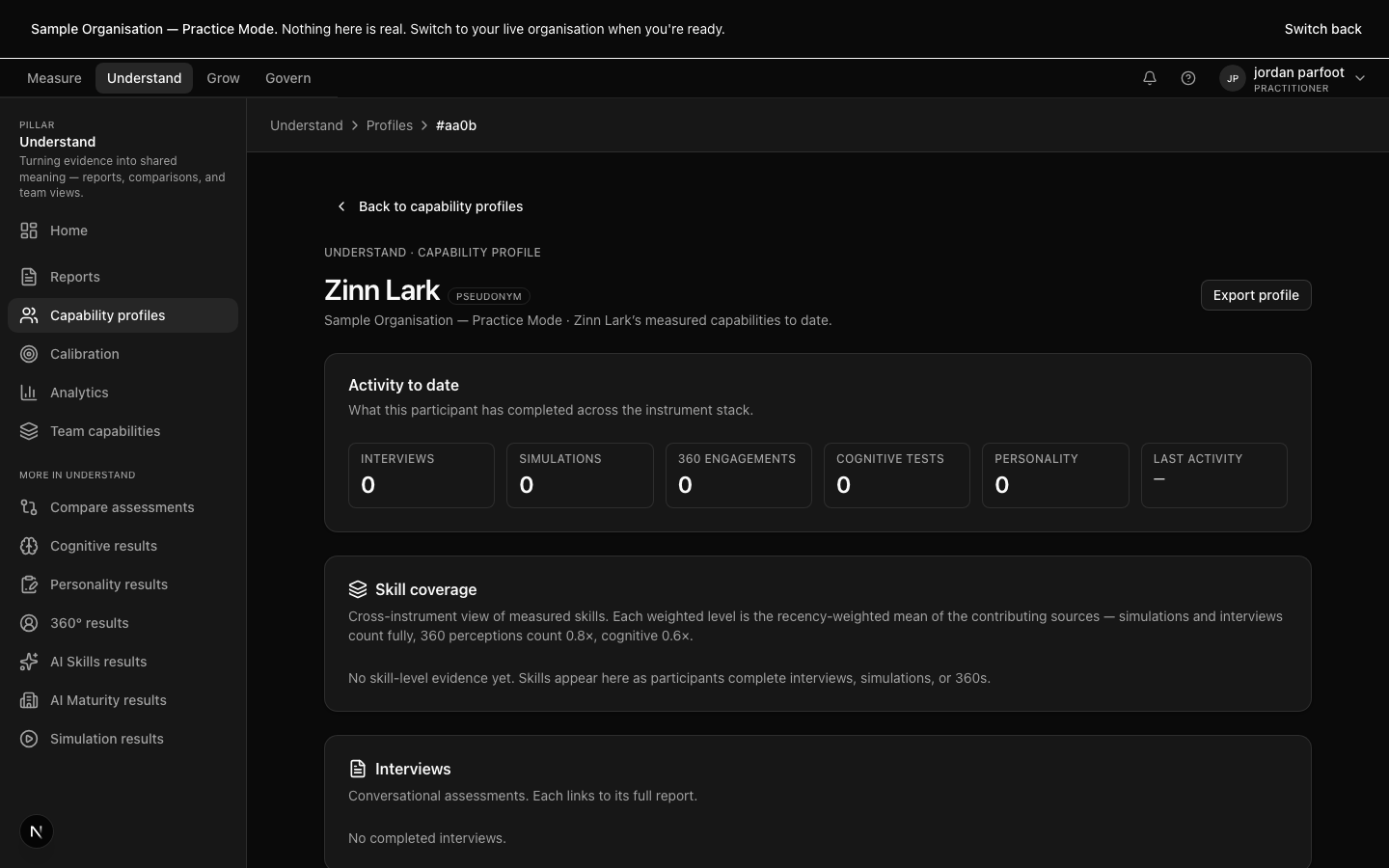
When a participant has been measured by more than one instrument, the capability profile is where the instruments sit alongside each other. Interview findings, simulation behaviour, 360 perspectives, cognitive percentile, personality bands — one view, one participant, evidence triangulated.

Practitioners reach for the capability profile when a single-instrument rating feels unstable. Two instruments agreeing strengthens the rating; two instruments disagreeing is the signal to look harder, not the signal to average.

Capability profiles — Cross-instrument profile per participant.

Capability profiles — Cross-instrument profile per participant.

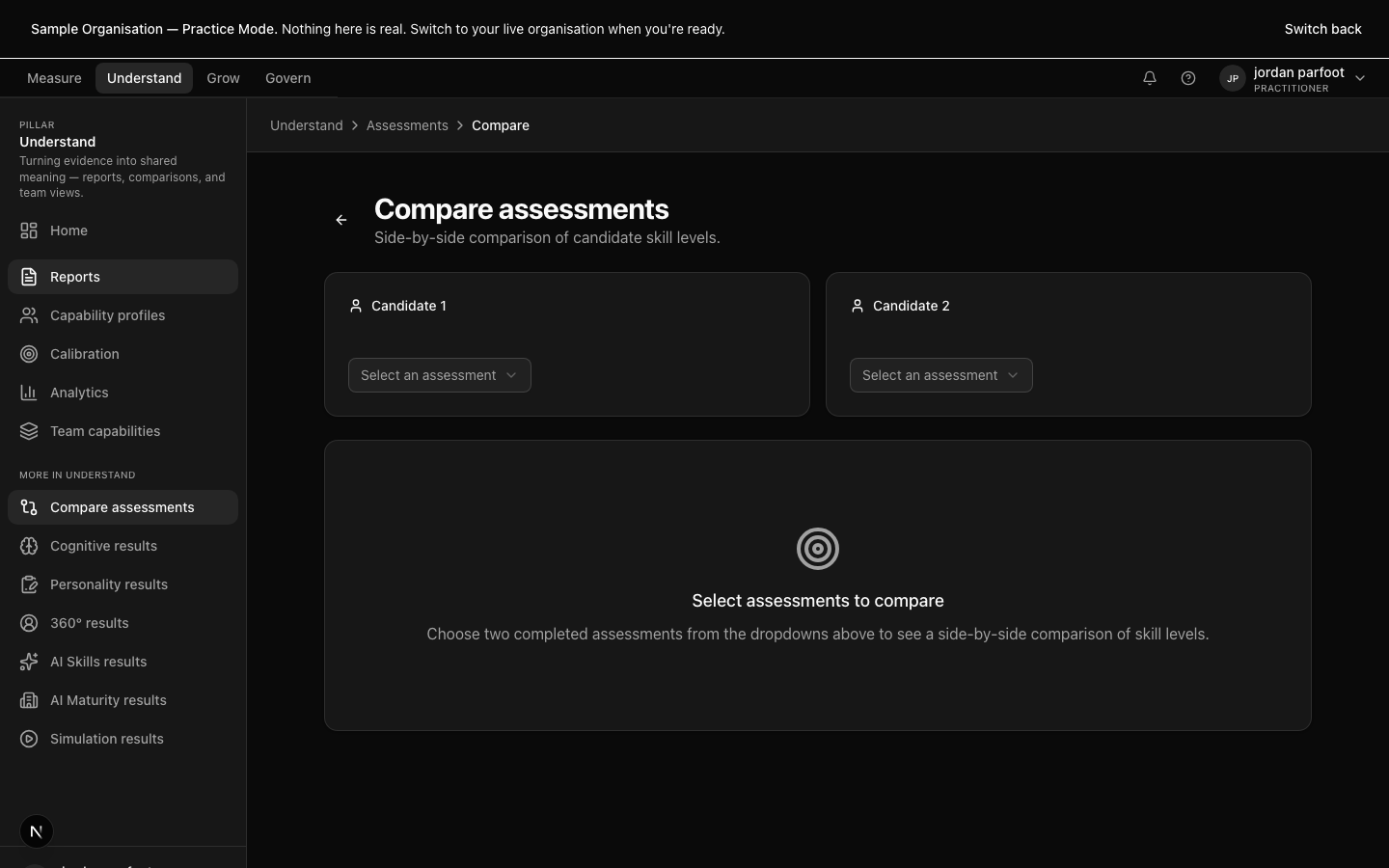
Compare assessments

Two finished assessments side-by-side.

Compare puts two assessments next to each other — usually the same participant rated by two different assessors, sometimes the same assessor rating two different participants for calibration. Differences are named visually, not buried in spreadsheets.

This is the surface that makes rater drift legible. It exists because two assessors looking at the same evidence sometimes reach different conclusions, and the platform's job is to surface that fact, not to paper over it with an averaged rating.

Compare assessments — Two finished assessments side-by-side.

Compare assessments — Two finished assessments side-by-side.

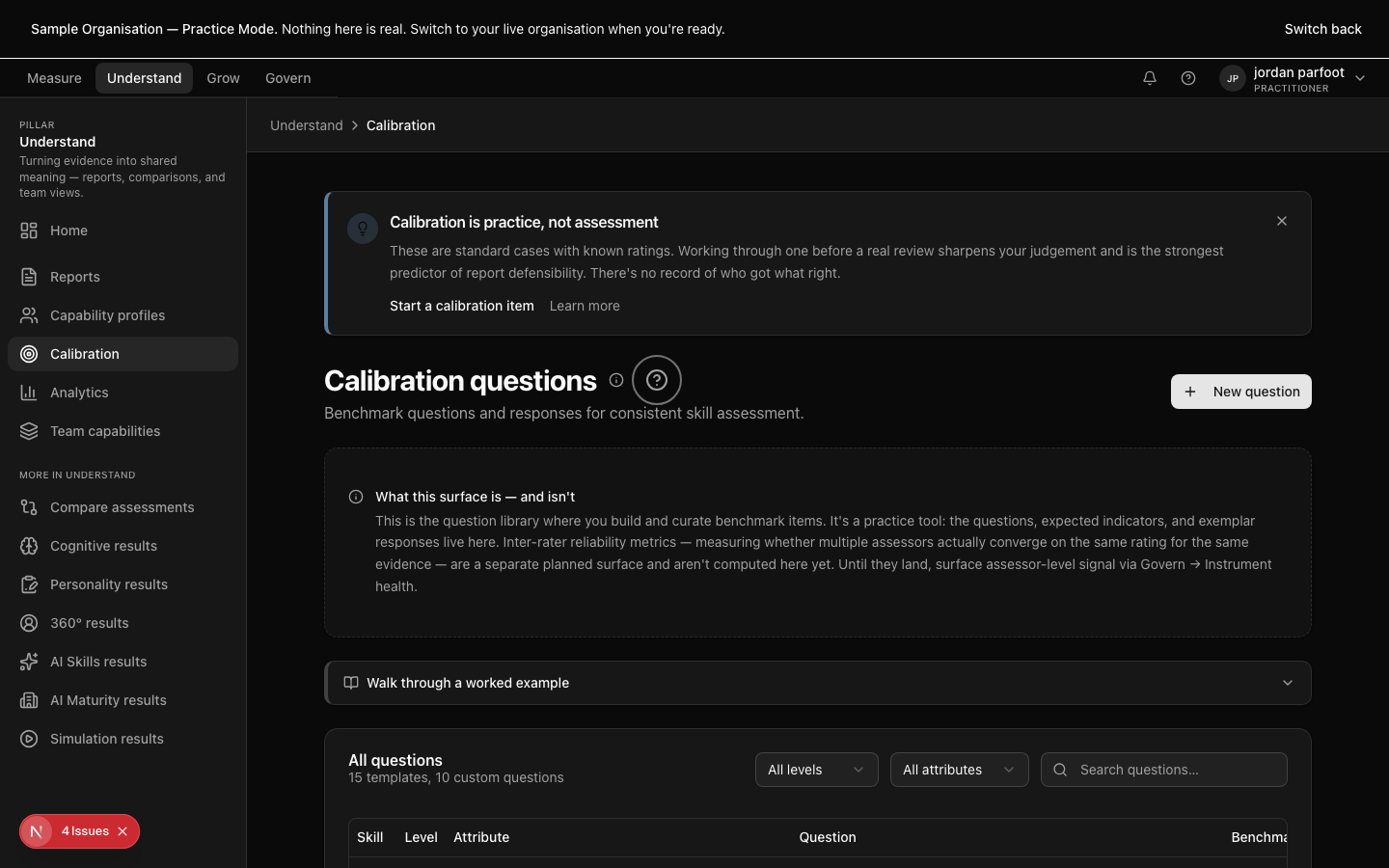
Calibration practice

Rate shared evidence; check yourself against the panel.

Calibration is a structured exercise: the practitioner reads a benchmark response, drafts their rating, then sees how it compares to the panel's accepted rating and rationale. The benchmark cases are sector-keyed, and the calibration set the sandbox seeds is the same shape practitioners use in production.

The platform's intent is for calibration to be a routine — fifteen minutes of practice before the heavy ratings, not a remediation triggered by a contest. Every practitioner's calibration history is visible to them; their agreement with the panel is tracked over time.

Calibration practice — Rate shared evidence; check yourself against the panel.

Calibration practice — Rate shared evidence; check yourself against the panel.

Integration session

Coming soon

Multi-assessor consensus before sign-off.

An integration session brings two or more practitioners together to read one participant's evidence across every instrument that touched them. The surface is structured: the evidence is named, each rating is laid out, the dissents are surfaced, and the resolved consensus is recorded.

Integration sessions are the platform's answer to "how does one assessor's bias get caught." They are not a meeting bolted on after the fact; they are a surface inside the platform with an audit trail of who participated and how the dissent was resolved.

Integration session — Multi-assessor consensus before sign-off.

Integration session — Multi-assessor consensus before sign-off.

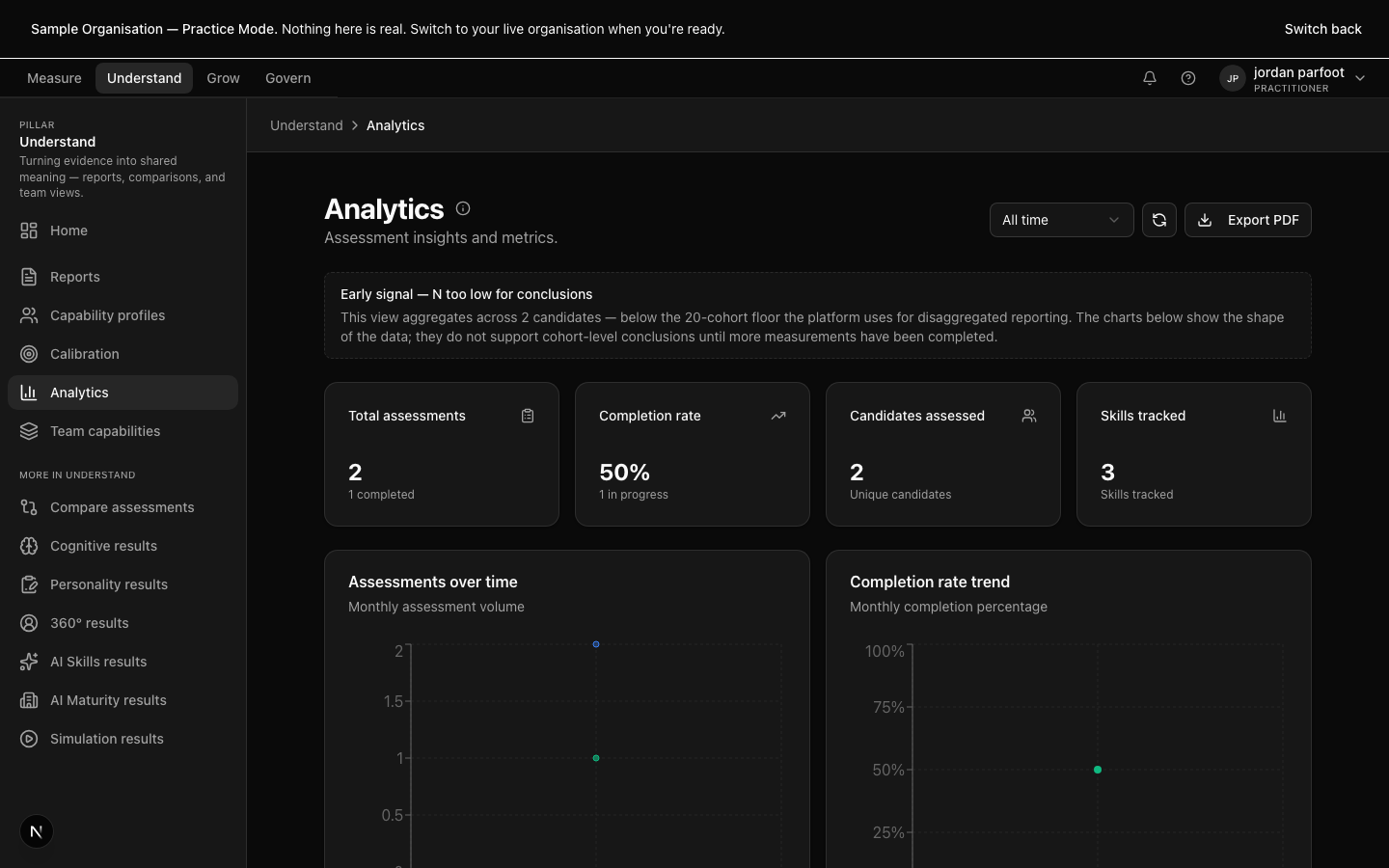
Analytics

Cohort drill-down, longitudinal deltas, sector benchmarks.

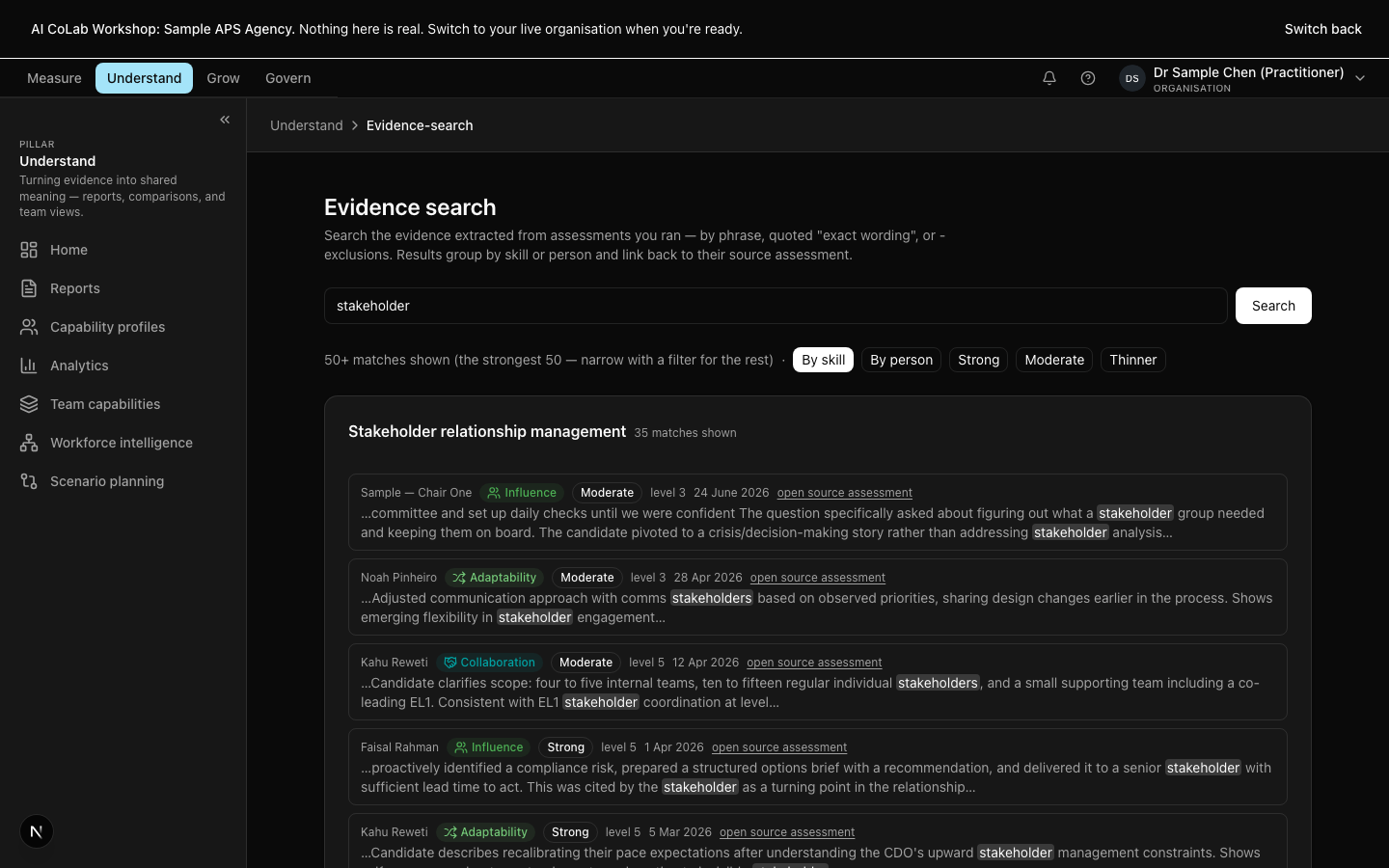
The analytics surface answers questions one measurement cannot — what is the level distribution across the cohort, how is completion trending, which skills are over-represented in evidence and which are thin, where is one assessor consistently rating higher than another.

Charts ship with honest empty states. A view that doesn't yet have enough data to be meaningful is labelled as such, not styled to look full. Date-range controls, refresh, and a print-friendly PDF export are first-class; the surface is built to be read at a board table.

Analytics — Cohort drill-down, longitudinal deltas, sector benchmarks.

Analytics — Cohort drill-down, longitudinal deltas, sector benchmarks.

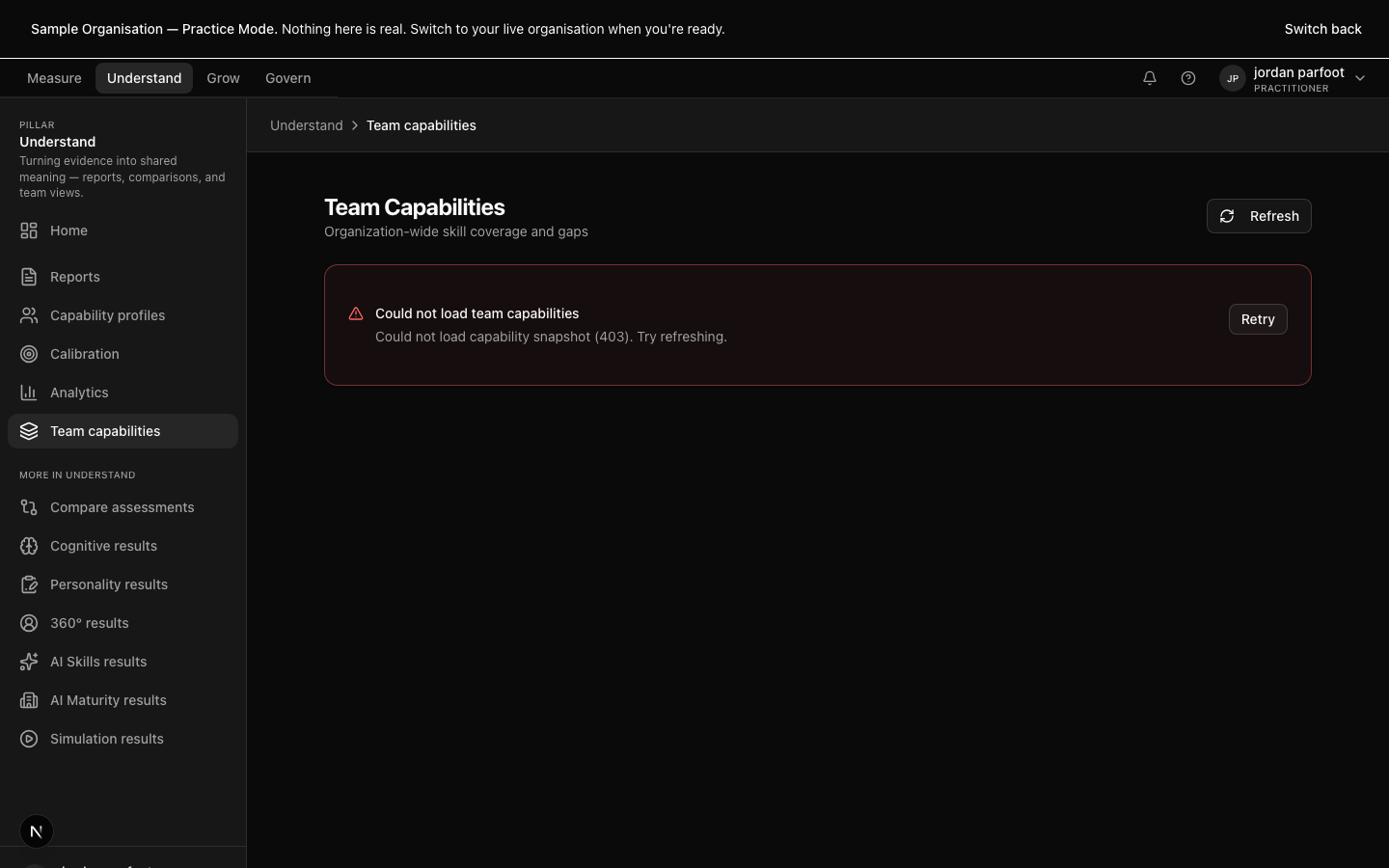
Team capabilities

Heatmaps and gap views across teams and roles.

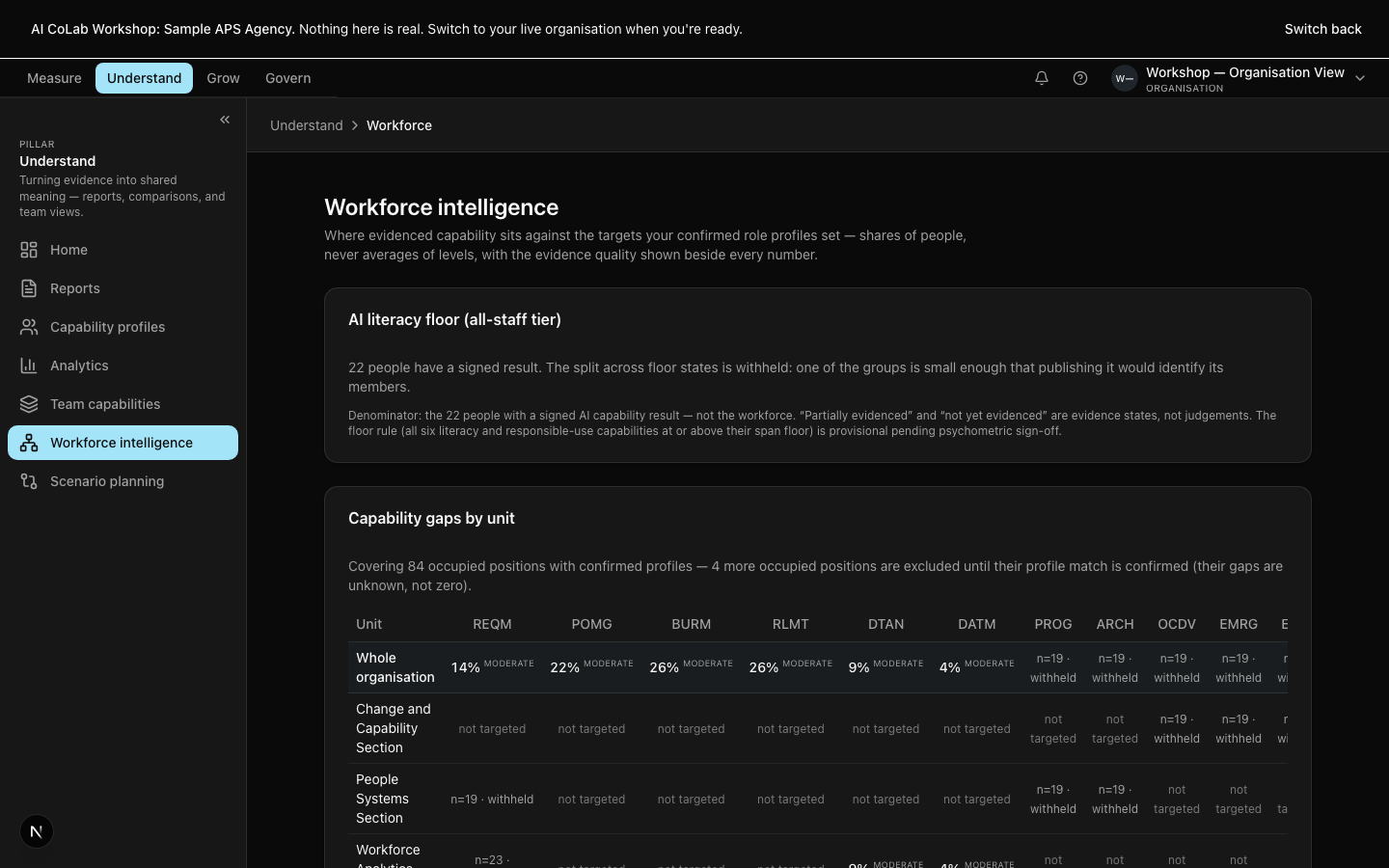
Team capabilities aggregates individual ratings up to the team level — a heatmap of skills present, a gap view against the target profile, drill-through to the individuals the viewer has consent to see.

The aggregation respects consent. A practitioner sees the individuals they're responsible for; an organisation viewer sees the cohort heatmap; nobody sees anything they don't have explicit permission for. The platform aggregates around the consent envelope, not through it.

Team capabilities — Heatmaps and gap views across teams and roles.

Team capabilities — Heatmaps and gap views across teams and roles.

When to use which destination

If you know what you're trying to read, you don't need to read every destination in this pillar.

I need to read the report for one person.
Open Reports.
I want to see how two assessors rated the same evidence.
Open Compare assessments.
I'm building my own rating accuracy.
Open Calibration practice.
I need to see capability across a team.
Open Team capabilities.
I need cohort, longitudinal, or sector benchmark views.
Open Analytics.
I'm reviewing simulation, cognitive, personality, 360, or AI-skills output.
Open the matching results destination for the instrument.
I want to sit several instruments side-by-side for one person.
Open Integration session.

How this pillar connects to the other three

Understand reads what Measure produced and writes nothing back to Measure directly — when a reading suggests fresh evidence is needed, the practitioner triggers a reassessment, which lands in Govern and routes back to Measure if approved. Understand feeds Grow: the development plan is drafted from the report, anchored in the evidence the rating sat on. Govern envelops Understand: the sign-off queue lives in Govern, but the artefact being signed off is the report Understand produced.

See it live

We'll walk you through the surfaces above on a deployment that matches your sector.